
Case Study
A full UX lifecycle process from research to prototype was completed over the span of several weeks with the goal of developing a mobile application ordering platform for a fictitious coffee company, The Java Joint.
Overview
Background
This project followed a research-driven design process grounded in user-centered design principles. I focused first on understanding friction points within an existing specialty coffee ordering workflow. By evaluating a comparable premium brand's product and observing real users complete ordering tasks, I was able to identify user pain points and design for a real-world context. My goal was to create a design that reduced cognitive load and made the user task flow as efficient as possible, which is needed for busy, on-the-go users.
Goals
Mobile ordering is used in quickly moving, real-world contexts, and even small usability issues can cause friction, abandonment, or loss of trust.
Objective:
Identify high-impact usability barriers and design a simplified, intuitive ordering flow that maximizes task success and user confidence to create a frictionless mobile ordering experience.
Research
These brands serve educated, high-income, urban customers who value specialty coffee, sustainability, and quality.
The Java Joint needed a digital experience that matched the high standards of larger comparable coffee companies, without adding complexity.
Demographics
Psychographics
Participants were asked to:
Primary
Secondary
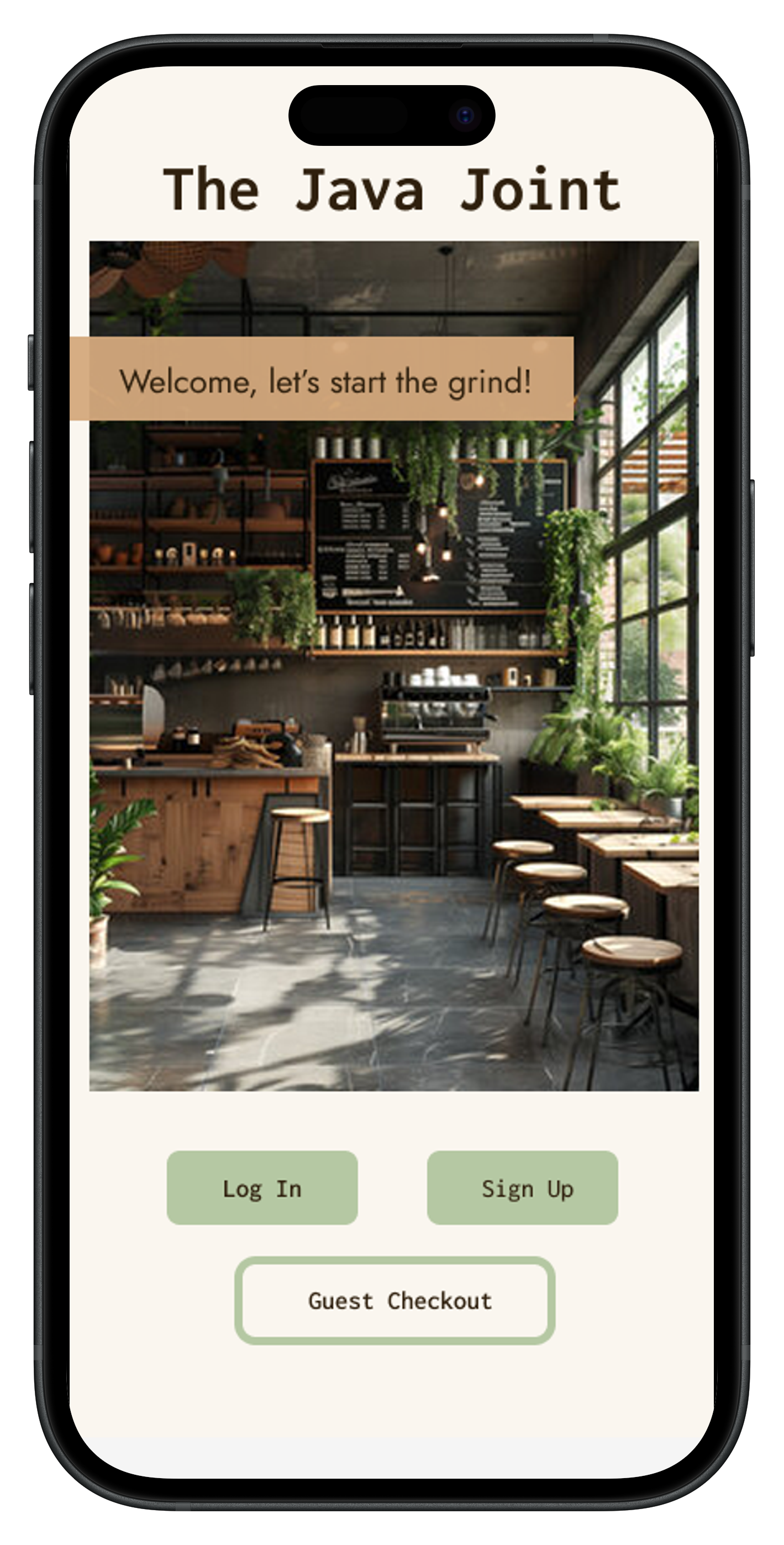
Summarization of research findings consisted of combining behavioral data with qualitative insight. I completed the following steps to ensure that my design decisions were evidence based:
Design Process

Outcome
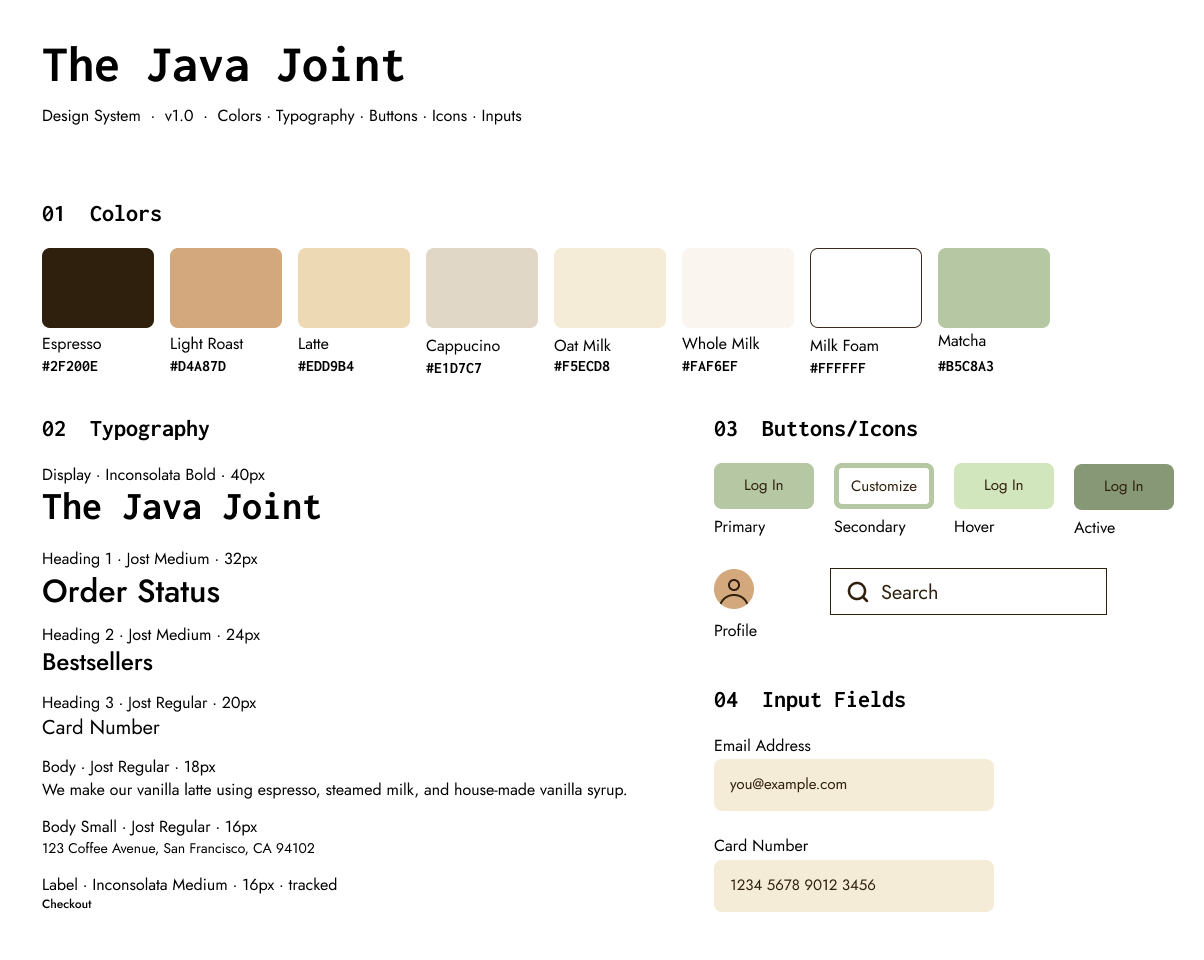
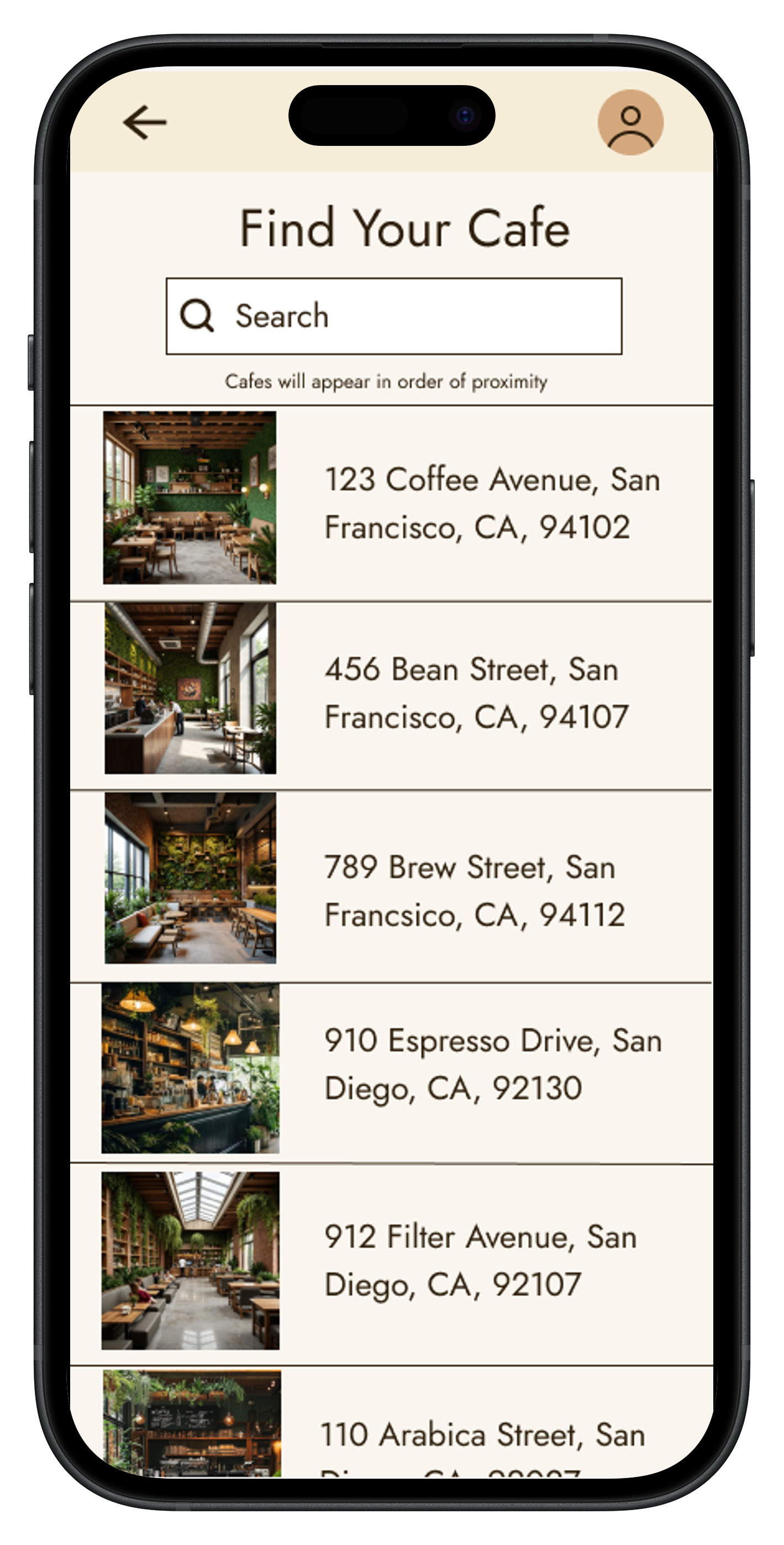
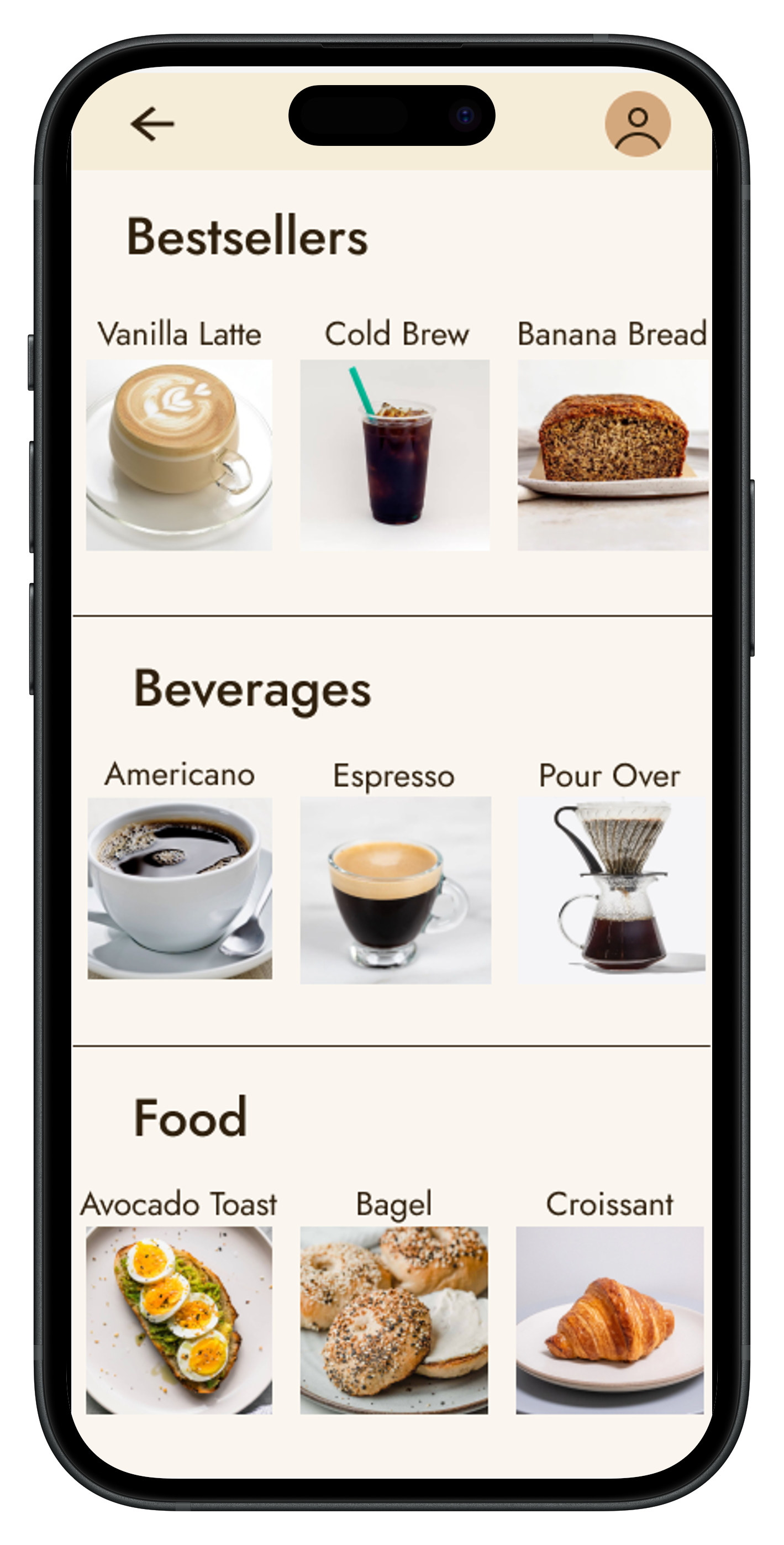
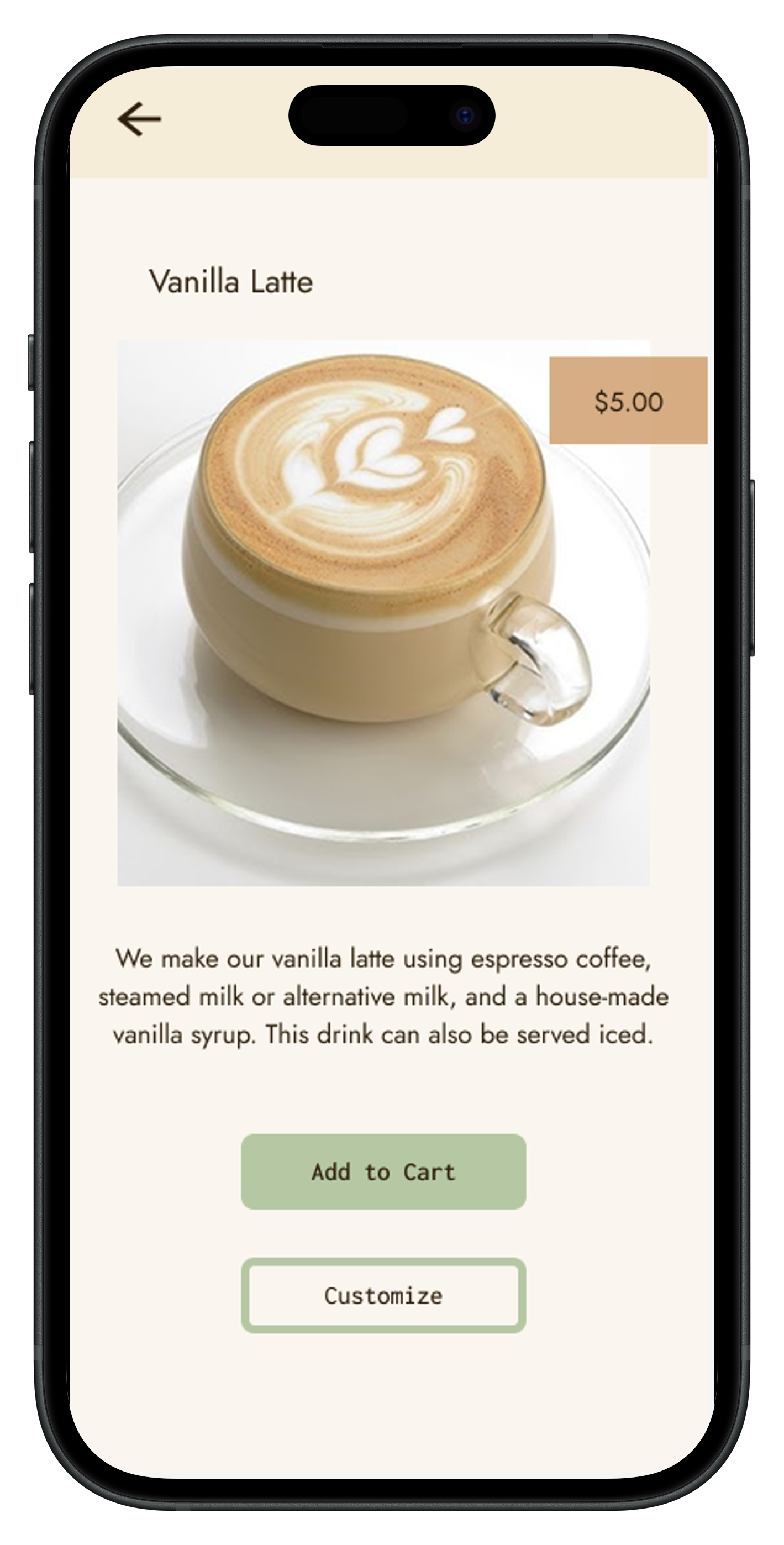
The final app layout was designed to reflect usability principles. It established clear entry points on the welcome screen, persistent back navigation, and an easy to navigate menu that applied the aspects of the competitor's product that users enjoyed.
View Prototype in FigmaTakeaways
At first glance, the Blue Bottle mobile app seemed intentionally designed, with a minimal aesthetic that fits the company’s brand, and features that align with user tasks for mobile ordering.
However, conducting user research led to the understanding that even well-designed apps can be improved. It also highlighted the aspects of the mobile ordering experience that draw users ein, like clear organization, simple font and imagery, and easy navigation across pages.
The final prototypes for The Java Joint app reflect the needs and wants of users ordering coffee online, allowing them to utilize guest checkout, and navigate the task flow without frustration.
Due to the nature of this as an individual academic project, I did not have all resources at my disposal. If I had more time available, I would have added more features such as a map feature on the cafe locator screen, and built out the prototype further. I would have also conducted a usability evaluation with a new sample on The Java Joint’s app design itself and made design adjustments based on that data, with further iterations as needed.